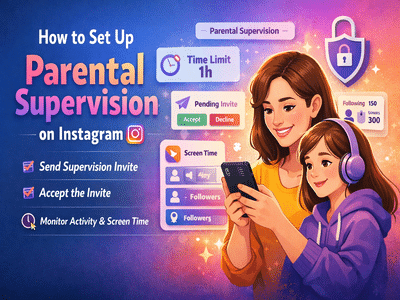
With teenagers spending more time online, platforms like Instagram have introduced built-in tools to help parents ensure a safer digital environment. The Parental Supervision feature allows guardians to monitor and guide their teens’ activity without invading privacy completely.
If you’re wondering how to enable this feature, here’s a simple, step-by-step guide along with everything you need to know.
What is Instagram Parental Supervision?Instagram’s Parental Supervision is a safety feature designed for teens aged 13 to 17. It allows parents to:
- Monitor their child’s activity
- Set screen time limits
- View followers and following lists
- Receive updates about account changes
👉 Important: This feature is optional and requires consent from both parent and teen.
Requirements Before You StartBefore setting up supervision, make sure:
- Both parent and teen have the latest version of Instagram installed
- Both have active Instagram accounts
- The teen is aged between 13–17 years
- Both parties agree to enable supervision
- Only one parent/guardian can supervise at a time
You (parent or teen) can initiate the setup:
- The other person will receive a notification
- Tap Accept to proceed
👉 If the teen sends the invite:
- The parent must accept
- The teen must confirm that the correct parent is supervising
👉 If the parent sends the invite:
- Supervision starts immediately after acceptance
Once supervision is active, parents get access to key insights:
Activity Monitoring- See how much time the teen spends on Instagram
- View followers and following lists
- Set daily usage limits
- Schedule breaks (restrict app usage during specific times)
- Get alerts about important account activity
Yes. Either the parent or the teen can stop supervision anytime.
👉 When supervision is turned off:
- The other person will be notified immediately
In today’s digital world, parental supervision helps:
- Protect teens from harmful content
- Reduce screen addiction
- Encourage healthy online habits
- Build trust between parents and children
The Parental Supervision feature on Instagram strikes a balance between safety and independence. It empowers parents to guide their teens while allowing young users to maintain control over their accounts.
Setting it up takes just a few minutes—but it can make a big difference in ensuring a safer social media experience.
Contact to : xlf550402@gmail.com
Copyright © boyuanhulian 2020 - 2023. All Right Reserved.