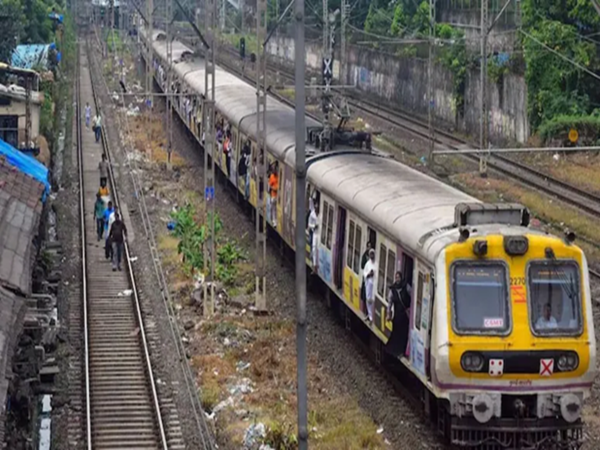
Rail One App Booking: Indian Railways has made changes to ticket booking. Starting March 1st, the railways will be making a major change to the ticket booking system. If you previously used the old app to book general tickets or platform tickets on your mobile phone, the process will change. Indian Railways is making the ticketing process smarter. Millions of passengers book general tickets through their mobile phones every day, and now they will experience a significant change. The railways are eliminating the hassle of using multiple apps. All ticket booking services will now be available on a single new app. Therefore, it is crucial to familiarize yourself with this app so that you can book your tickets easily and without any hassle.
Rail One App Booking: How will the new app work?
Passengers will now need to use the railways' new app to book tickets, which will provide general tickets, platform tickets, and other travel-related services all in one place.
Ticket booking will now be done through the RailOne app.
The old UTS app is being discontinued nationwide starting March 1st. It will be replaced by the RailOne app. This new app not only provides general tickets and platform tickets, but also offers almost all railway services in one place. The RailOne app offers general ticket booking, platform tickets, berth or seat reservations, train status, live location, and other travel-related features.
Ticket Booking Easier
Now you don't need to visit IRCTC or any other platform separately. All ticketing will be done through a single app. This will save time, eliminate the hassle of switching apps, and make ticket booking easier than ever.
How to Book a General Ticket on the RailOne App?
Booking a general ticket on the RailOne app is very easy. Open the RailOne app, go to Journey Planner, select "Unreserved" (General Ticket). Enter your starting station in the From Station field. Enter your destination station in the To Station field. If you wish, turn on GPS and let the app automatically determine your location. Book tickets for Mail, Express, and Superfast. Check that all information is correct. Then make the payment. To view the tickets, go to the My Tickets section, or you can also download the PDF from there.
Disclaimer: This content has been sourced and edited from NDTV India. While we have made modifications for clarity and presentation, the original content belongs to its respective authors and website. We do not claim ownership of the content.
Contact to : xlf550402@gmail.com
Copyright © boyuanhulian 2020 - 2023. All Right Reserved.