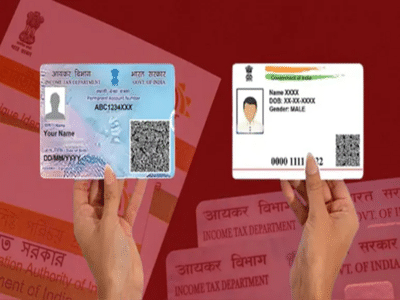
Address Update in Aadhaar and PAN Card: When you move your home, not only are your belongings shifted, but your paper identity also needs to be updated. Having an old address on your Aadhaar and PAN cards not only hinders access to government schemes but also creates problems with bank KYC, income tax, and other important tasks. If you've recently moved into a new home, this news is for you. Now, there's no need to rush to offices to update your Aadhaar and PAN card information. You can update your address online from the comfort of your home in just a few minutes. In this regard, today we're going to walk you through the step-by-step process for updating your address on your PAN and Aadhaar card. Let's find out...
How to Update Address on PAN Card?
Go to the official website of NSDL or UTIITSL.
Click on the 'Changes/Correction in PAN' option.
You'll then need to enter details like your PAN number, name, date of birth, and email address.
A 15-digit token number will be generated.
Select and correct the details you want to update.
Upload documents like address proof, date of birth proof, and photo.
Finally, pay the fee and submit.
After this, be sure to note your Acknowledgement number. This will help you check the status of the update.
How to update your address on your Aadhaar card?
To update your address on your Aadhaar card, you'll need to go to the Aadhaar app.
Go to the 'Update Address Online' section in the app.
Upload the requested documents and details and submit.
Then pay the fee.
Disclaimer: This content has been sourced and edited from NDTV India. While we have made modifications for clarity and presentation, the original content belongs to its respective authors and website. We do not claim ownership of the content.
Contact to : xlf550402@gmail.com
Copyright © boyuanhulian 2020 - 2023. All Right Reserved.