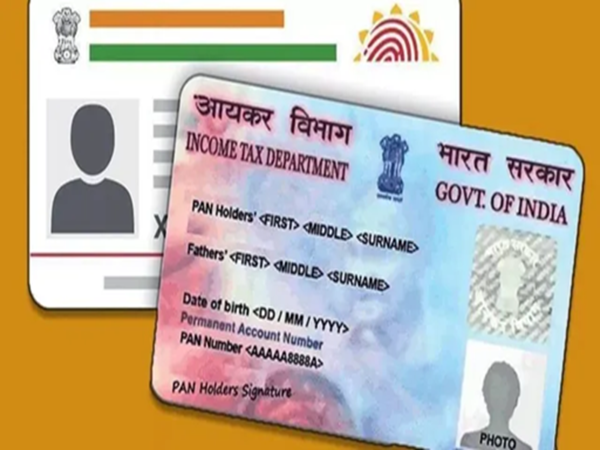
Aadhaar and PAN cards are not just documents, but rather essential. Aadhaar cards are linked to our identity. Therefore, it's important to update the existing details on both cards so you don't face any problems using them.
If you've recently moved house and want to change the address on your Aadhaar and PAN cards, follow the process below.
How to change your address in Aadhaar?
You can use the Aadhaar app to change any details in your Aadhaar. Let's learn how to change your address using the Aadhaar app.
How to update your address in the Aadhaar app?
Step 1 - For this, you need to go to the Aadhaar app.
Step 2 - Now, go to Update Address Online.
Step 3 - Enter the documents you'll submit as proof here.
Step 4 - After completing the documents and details, pay the required fee.
Step 5 - After making the payment, submit the request.
How to change your address in your PAN card?
First, visit the NSDL or UTIITSL website.
Click on the "Changes/Corrections in PAN" option.
You'll then need to enter some basic details, such as your PAN number, name, date of birth, and email address.
A 15-digit token number will be generated for you.
Select and correct the details you want to change.
Upload documents such as address proof, date of birth proof, photo, etc.
Finally, pay the fee and submit it.
Don't forget to download the acknowledgement slip. You can check your status later using this slip.
Disclaimer: This content has been sourced and edited from Dainik Jagran. While we have made modifications for clarity and presentation, the original content belongs to its respective authors and website. We do not claim ownership of the content.
Contact to : xlf550402@gmail.com
Copyright © boyuanhulian 2020 - 2023. All Right Reserved.