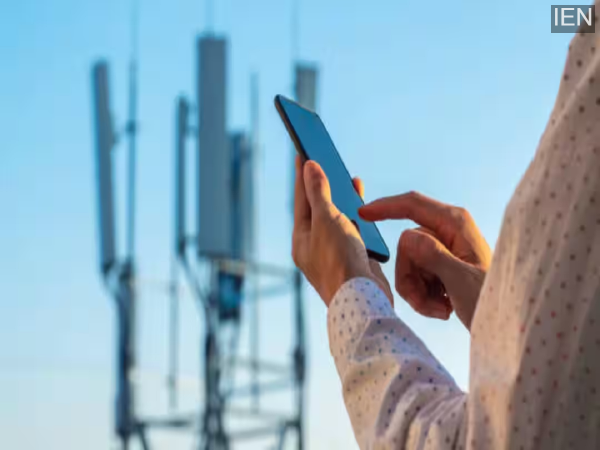
Smartphone Tips: These days, no matter how expensive your smartphone is, if you don't get a good network signal, all its features seem useless.
Smartphone Tips: These days, no matter how expensive your smartphone is, if you don't get a good network signal, all its features seem useless. Dropped calls, unclear audio, or extremely slow internet are all signs of a weak signal. Often, people assume the problem is with the operator, but the truth is that the network can be significantly improved with a few simple methods.
Refresh your phone's network settings.
If your phone has been showing a low signal for a long time, first turn on airplane mode and then turn it off after 20-30 seconds. This reconnects the phone to the nearest tower. In many cases, this simple method increases the network bars. This trick is especially useful when you are traveling.
Choose the right network mode.
Often, phones are on automatic mode, causing them to constantly switch between 4G, 5G, or 3G. In areas with weak network coverage, this exacerbates the problem. Go to settings and manually set the network mode to 4G or 3G. Sometimes, while searching for 5G, the phone picks up a weak signal, whereas 4G is more stable.
Phone cover and location also matter.
Thick or metal mobile covers can weaken the signal. If your phone always shows a low network signal, try removing the cover and checking. Also, the network is weaker indoors, especially in elevators, basements, or between thick walls. Moving near a window or to an open space can improve the signal.
Software updates and a network reset are essential.
Sometimes, outdated software causes network-related problems. Keep checking for phone software and carrier updates. If the problem persists for a long time, resetting the network settings is also an effective solution. This can resolve issues related to Wi-Fi and mobile networks. Check your SIM card and operator.
An old or faulty SIM card can also be a reason for a weak signal. If your SIM card is several years old, it would be beneficial to replace it with a new 4G or 5G SIM. It's also important to find out which network works best in your area.
Contact to : xlf550402@gmail.com
Copyright © boyuanhulian 2020 - 2023. All Right Reserved.